
Can You Run Video Ads Without Being on Camera? A Practical Plan for Shy Founders
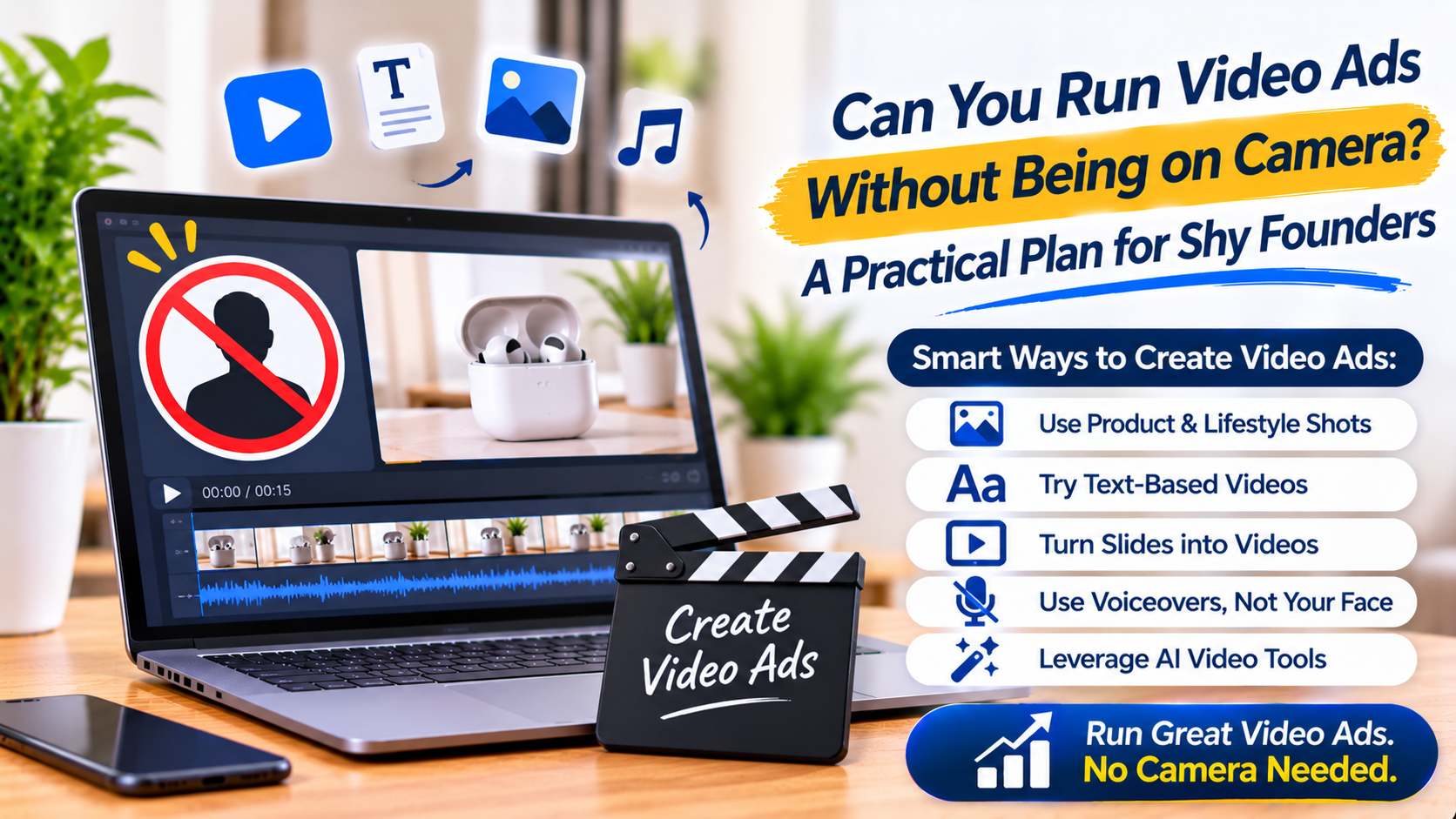
You can run video ads without being on camera by using hands, product close-ups, voiceover, captions, screen recordings and customer content instead of your face. Many founders avoid video because they dislike appearing in it, but the format does not require it. This guide gives a practical plan for planning, scripting and producing faceless video ads.
Do Video Ads Need a Face?
No. Viewers care whether the video is clear, relevant and believable, not whether the founder appears. A person's face can add trust, but other elements can too: real product use, honest reactions and specific details.
Faceless video is a good fit when the product itself shows the value, such as a tool, a food item or a physical item that is easy to demonstrate.
What Types of Faceless Video Ads Work?
• Hands and product: someone uses the item, shot close to the camera.
• Unboxing: the first look and first use.
• Voiceover with footage: narration over clips of the product in context.
• Screen recordings: ideal for software and digital products.
• Text-led videos: short captions carrying the story.
• Customer content: creators or buyers who agree to appear.
Choose the type that shows your product's value in the clearest way.
How Do You Plan Faceless Video Ads?
Start from the same decisions as any video: the goal, the audience and the placement. A sound video ad strategy defines what the video must achieve and where it will run, so you do not film random clips and hope they work.
1. State the single idea of the video in one sentence.
2. Choose the faceless format that suits the idea.
3. List the shots needed to make it clear.
4. Write the voiceover or captions.
5. Plan for sound-off viewing.
How Do You Write a Strong Opening Without a Face?
Without a face to attract attention, the opening line and first frame matter even more. Start with a problem the viewer recognizes, a surprising detail or a striking close-up. Careful hook development means writing several different openings for the same video and testing them.
Avoid slow introductions and logos. Show the interesting moment first.
How Do You Make Footage Look Good on a Phone?
• Use natural light near a window
• Keep the phone steady, with a small stand if possible
• Film vertically for full-screen placements
• Shoot close-ups of the product and the action
• Keep the background simple
You do not need expensive equipment. Clear, steady, well-lit footage beats elaborate effects.
How Should You Handle Voiceover and Captions?
A voiceover can be your own voice, recorded in a quiet room. If you prefer not to use your voice, captions alone can carry the story. Many people watch with the sound off, so captions help either way.
Write the voiceover the way you would explain it to a friend. Short sentences, everyday words and one idea per line work best.
What About AI Tools and Disclosure?
AI tools can help with voiceover, editing or generating visuals. Use them honestly. Do not present AI-generated people or results as real customers, and check Meta's current rules about disclosing realistic AI-generated or altered media. Accuracy and trust matter more than polish.
How Can Creators Help If You Prefer Not to Appear?
You can still use human voices by working with creators, as long as you brief them well. Strong UGC scriptwriting provides structure and key moments while leaving room for the creator's natural speech, so the video feels real without you being on screen.
Agree on usage rights in writing before any content runs as an ad.
How Do You Test Faceless Video Ads?
Make two or three versions that differ in one way, such as the opening or the format, and keep the audience and budget the same. Compare how many people watch, click and buy, and what each result costs. Record what you learn.
How Do You Build Trust Without a Face?
Trust comes from specifics. Show the real product, real use and honest details. Add a short customer line, a visible rating or a clear guarantee. Explain what the product does and what it does not do. Viewers respond to clarity and honesty more than to polish.
How Many Videos Should You Make at First?
Start with a small batch of two or three videos built around different ideas. Give each a fair budget and compare them. It is better to learn from a few clear tests than to produce many similar videos that teach you nothing.
What Mistakes Do Founders Make?
6. Choosing generic stock footage that looks like every other ad.
7. Using a slow opening.
8. Relying on audio with no captions.
9. Overusing effects that hide the product.
10. Skipping testing.
Where Can You Find Free Ideas for Faceless Videos?
Read your reviews for moments of use, such as how people open, apply or use the product. Check Meta's public Ad Library for formats other brands use, and note the ideas, not the exact content. Then film your own version using your product and your customers' language.
Frequently Asked Questions
Can you run video ads without showing your face?
Yes. Hands, product shots, voiceover, captions and screen recordings can all carry a video ad.
Do faceless video ads perform worse?
Not necessarily. Performance depends on the idea, opening and offer. Test faceless against on-camera versions.
What is faceless UGC?
Creator-style video without an on-camera face, often using hands, close-ups and voiceover.
Do I need to disclose AI-generated video?
Check Meta's current rules and your local regulations, and be honest about what is real.
What equipment do I need?
A phone, natural light and a steady surface are enough to start.
How long should a faceless video ad be?
As long as the idea needs. Short, clear videos often work well, but test different lengths.
Final Thoughts
You do not need to be the face of your brand to make effective video ads. Plan around the product, open with a strong hook, write natural narration, use captions and test. The confidence you build in the process often makes appearing on camera optional, not required.

 English
 Arabic
 Spanish
 Portuguese
 Deutsch
 Turkish
 Dutch
 Italiano
 Russian
 Romaian
 Portuguese (Brazil)
 Greek